


NAS vs Cloud Backup: Which Keeps Your PC Data Safer?
A practical Malaysian guide to backing up your PC: how a Synology DS224+ NAS and Google One cloud storage compare on safety, cost and access, and which one to…
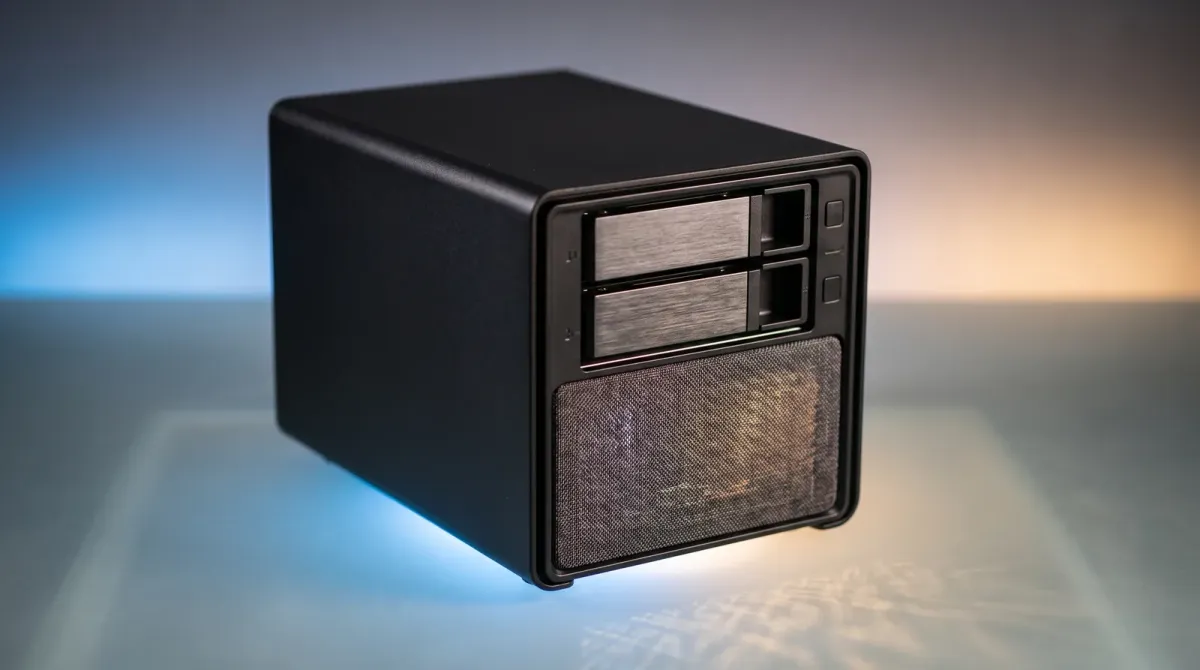
Here is what actually keeps your PC data safe in Malaysia: a clear look at NAS vs cloud backup, so you stop guessing and start protecting your files.
What you need to know before you choose
Backing up means keeping a second copy of your files somewhere else, so a dead drive or a ransomware attack does not wipe your work. In Malaysia, two options dominate: a NAS box in your home or office, and a cloud subscription like Google One.
NAS stands for Network Attached Storage. It is a drive enclosure that sits on your Wi-Fi network and gives every device in the house or office its own shared folder. Synology is one of the popular NAS brands in Malaysia, alongside ugreen and QNAP.
Cloud storage puts your files on someone else's servers, reachable from anywhere with an internet connection. That makes it great for collaboration and remote work, but you are renting space rather than owning the hardware.
Option 1: A NAS like the Synology DS224+
A two-bay NAS such as the Synology DS224+ gives you a private cloud you control. You buy the box, add your own drives, and your data never leaves your premises unless you choose to sync it out.
Synology's DSM software goes beyond plain storage. It lets you build a private cloud to store, access, back up and share files freely and securely. You also get snapshots, so a deleted or encrypted file can be rolled back to an earlier version.
NAS suits local project archives, shared folders, role-based access and backup targets. It is ideal when several people or devices need long-term, multi-user access to the same files. Check current price for the Synology DS224+.
Option 2: Cloud storage like Google One
Google One is the simplest starting point. You pay a subscription, install the desktop app, and your PC folders sync to Google's servers automatically. There is no hardware to buy, no drives to replace and no setup beyond signing in.
Cloud works well for collaboration, remote access and sharing files with clients or teammates who are not on your network. If your laptop gets stolen in a Kuala Lumpur cafe, your files are still there when you log in from a new machine.
The trade-off is that you are renting. Stop paying and you lose access. You are also trusting a provider with your data, and your upload speed decides how fast a big restore actually happens.
How to set up a safe backup routine
Start with the 3-2-1 rule in practice: keep three copies of important files, on two different types of media, with one copy off-site. A NAS plus a cloud account covers all three without much effort.
If you go NAS-first, set the DS224+ to back up your PC nightly, then sync only the irreplaceable folders to Google One. That way the bulk of your data stays local and fast, while the critical stuff survives a fire, flood or theft.
If you go cloud-first, turn on version history and keep a cheap external drive as a second local copy. Never rely on a single service for the only copy of anything you cannot recreate.
Pitfalls to avoid
Watch out for sync versus backup. A synced folder mirrors deletions, so if you delete a file on your PC, it can vanish from the cloud too. One user described how a cloud sync deletion cost them family photos, which is exactly the trap to avoid.
Do not buy a NAS and skip the backup plan. A NAS is still a single box in a single room. Without snapshots or an off-site copy, theft, flooding or a power surge can take everything at once.
Finally, do not underestimate Malaysian broadband upload speeds. A full cloud restore of hundreds of gigabytes can take days. Test your restore before you need it, not after.
The bottom line
Pick a NAS if you have a lot of data, several devices or users, and you want to own the hardware and keep files on-site. The Synology DS224+ is the natural starting point, so check current price and budget for drives on top.
Pick Google One if you want zero hardware, easy sharing and access from anywhere, and your data volume is modest. It is the fastest way to get a working backup today.
For most Malaysian homes and small offices, the safest answer is both: a NAS as the main store, and cloud storage as the off-site copy. That combination covers hardware failure, human error and disasters in one routine.
Sources
- facebook.com — Popular NAS brands in Malaysia and cloud storage comparison
- shop.zimaspace.com — NAS vs cloud strengths for archives, sharing and remote access
- sitehero.my — Malaysian SME context for NAS vs cloud storage
- youtube.com — Cloud sync deletion risk to family photos
- westerndigital.com — When NAS suits multi-device and multi-user access
- synology.com — Synology NAS private cloud and backup capabilities