


Build a Budget NAS Server for Home & Small Office
A practical guide to building a budget NAS in Malaysia: what to budget, the two ready-made picks worth shortlisting, DIY routes like a Raspberry Pi 5, and the…
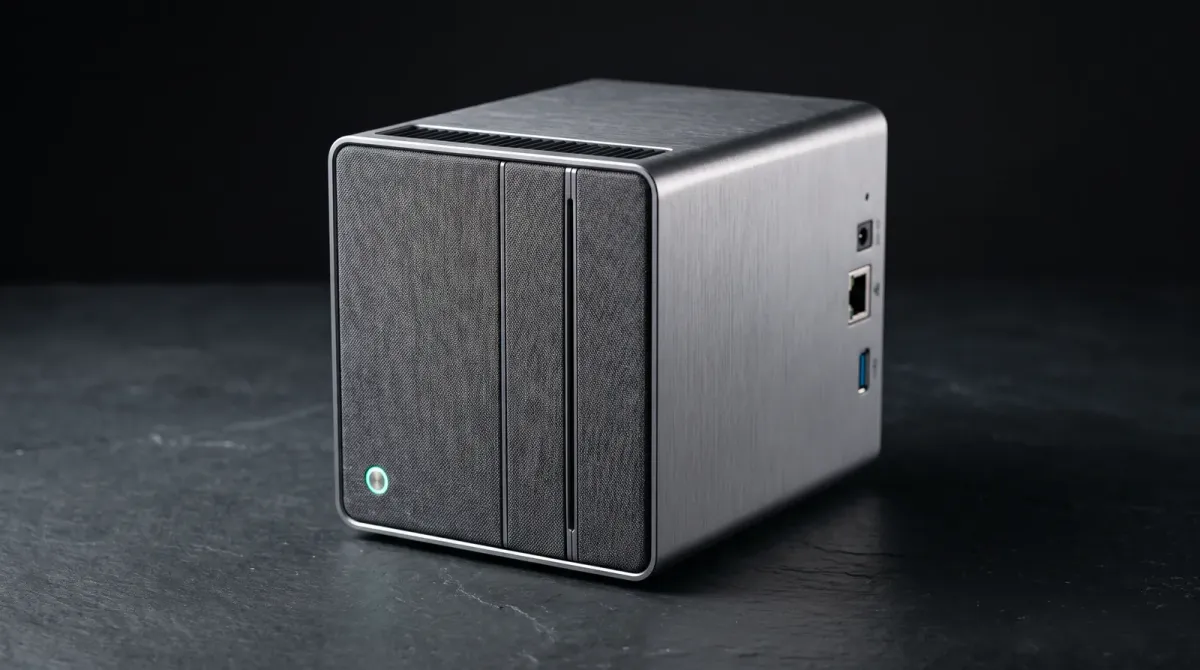
A budget NAS lets you keep files, backups and media on your own network instead of paying cloud subscriptions every month. In Malaysia, Ringgit pricing and drive costs decide whether a build stays cheap.
What you need to know before you spend
A NAS is a small computer with storage that stays on your network. The box is only half the cost. Drives, backup storage, network upgrades and setup time make up the rest.
BLY Technology's price guide puts it plainly: a NAS that costs RM3,000 can become a RM10,000 deployment once drives, network upgrades, backup storage and setup time are included. Budget for the whole system, not the enclosure alone.
Start with how much data you hold today, then double it. A two-bay unit with mirrored drives protects you from one disk failing. It does not replace an off-site backup.
The main options: ready-made or DIY
Ready-made NAS boxes win on software. You plug in drives, run a setup wizard and get phone apps, scheduled backups and remote access without touching a command line. BLY's guide lists an entry 2-bay desktop NAS at a typical hardware budget of RM1,500 to RM2,500, which fits most homes and small offices.
Two units suit a Malaysian budget build. The Synology DS223j is the safer pick if you want the smoothest setup and app ecosystem. The TerraMaster F2-210 is the value alternative for buyers who want two bays without paying for brand software. Check current price for both, since retail listings move.
DIY is the third route. Cytron's tutorial shows a Raspberry Pi 5 NAS as a budget-friendly, efficient storage solution with significant cost savings over pre-built systems. A Lowyat forum poster hunting for a home NAS set a budget within RM 3k across Asustor, Asus Lockerstor, QNAP, Orico and Synology, which shows how wide the field is at that price.
Step by step: plan, buy, set up
First, pick your bay count. Two bays cover a home or a tiny office. Four bays make sense once you expect growth, but each bay adds drive cost immediately.
Second, buy drives in pairs and match capacities. Mirroring only works when both disks are the same size. Mixing brands in one mirror is fine as long as the specs match.
Third, put the NAS on wired Ethernet where you can. Wi-Fi works for light file access, but large backups crawl over wireless. Fourth, set a backup schedule on day one, not month three. Point it at an external drive you keep somewhere else.
Ready-made picks for a Malaysian budget
For most buyers, the Synology DS223j is the low-friction choice. You get a two-bay desktop box and Synology's software stack, which handles scheduled backups, media indexing and mobile photo sync. It fits the RM1,500 to RM2,500 entry band BLY describes. Check current price before you commit.
The TerraMaster F2-210 targets the same two-bay job at a lower entry point. Its software is less polished than Synology's, so expect more fiddling with shares and permissions. That trade is reasonable when the savings go toward your second drive.
Skip both if you need four bays or heavy virtualisation. Move up the range instead of squeezing a two-bay unit past its limits.
Pitfalls to avoid
Do not buy the enclosure first and drives later. Prices shift, and a NAS with one drive gives you no redundancy at all. Buy the pair together.
Do not treat RAID as a backup. A mirror survives a dead disk, not a deleted folder, a ransomware hit or a power surge that takes out the whole box. Keep a second copy off the device.
Do not ignore the network. A gigabit switch costs little and removes the biggest bottleneck in a home setup. Check that your chosen unit's drive trays accept the drive height you plan to buy.
Bottom line
Set a total budget, not a box budget. For a home or small office in Malaysia, a two-bay ready-made NAS in the RM1,500 to RM2,500 hardware band, two matched drives and one external backup drive covers the job.
Pick the Synology DS223j for easier software, the TerraMaster F2-210 to save on hardware, or a Raspberry Pi 5 build if you enjoy tinkering and want the lowest entry cost. Check current price on every pick before you order, and spend the leftover on drives and backup, not on a bigger enclosure.
Sources
- blytechnology.com.my — Total cost warning and entry 2-bay budget band
- my.cytron.io — Raspberry Pi 5 DIY NAS cost savings
- forum.lowyat.net — Home NAS budget of RM 3k and brand shortlist
- allithypermarket.com.my — Malaysian retail NAS listings
- shop.zimaspace.com — Beginner NAS software considerations
- bitcatcha.com — Home NAS device options