


How to Choose the Best UPS for PC & Network Protection
A practical Malaysian guide to picking a UPS for your PC and network gear — what VA ratings mean, the options from budget to line-interactive, pitfalls to…
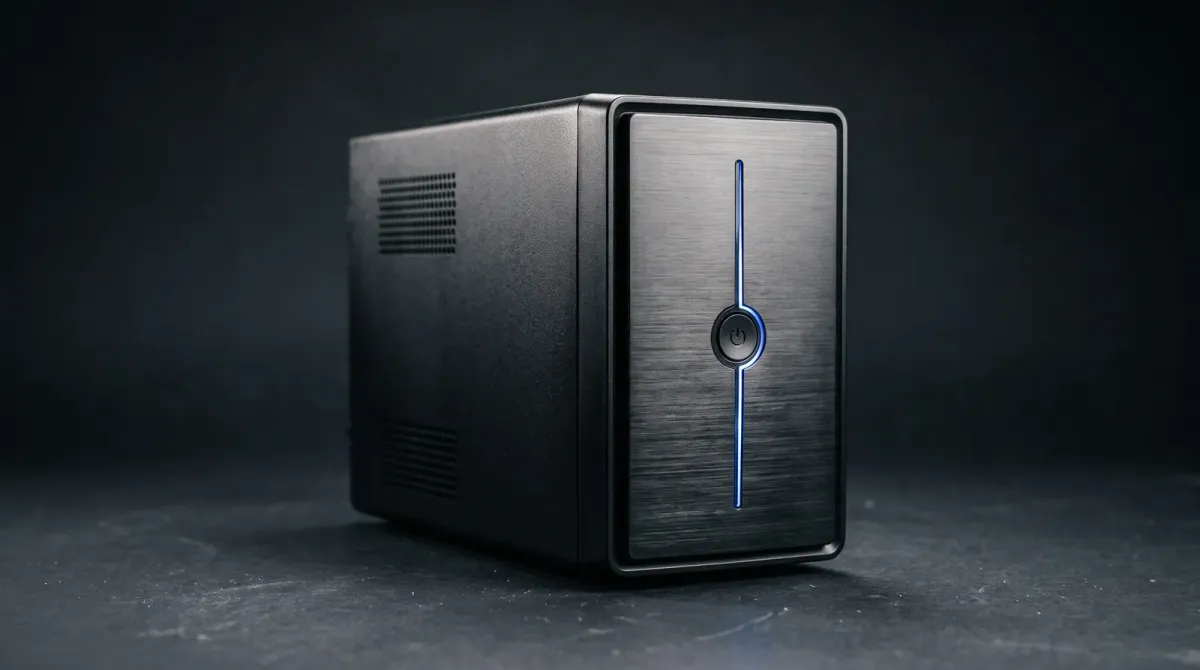
A UPS keeps your PC and router alive when the grid drops. You get time to save your work and shut down cleanly instead of losing data to a sudden blackout.
What a UPS actually does for your PC and network
A UPS (Uninterruptible Power Supply) steps in with temporary power the moment electricity cuts out. That gives you time to save files and shut down properly. It also keeps your router and modem running so your connection does not drop mid-session.
The protection goes beyond outages. A UPS also shields sensitive electronics from spikes and dirty power. Models with AVR (Automatic Voltage Regulation) steady the voltage before it reaches your hardware. Cheap surge strips only clamp spikes. They give you zero seconds of runtime.
Know your load and VA rating before you buy
Match the UPS to what you plug in. Add up the wattage of your PC, monitor, router and modem. Then pick a VA rating with headroom. Running a UPS near its limit shortens battery life and cuts backup time.
VA is not watts. A 650VA unit will not carry a high-end gaming rig plus monitor for long. But it comfortably covers a desktop, router and modem for a few minutes of graceful shutdown. For network-only protection, a smaller unit is plenty.
The main options: from budget boxes to line-interactive
Budget standby UPS units under RM200 cover basic home setups. Wiser.my rounds up this kind of pick for stopping a PC from dying suddenly. They switch to battery when power fails and are the cheapest way to buy yourself minutes.
Step up to line-interactive models with AVR. You get steadier output plus better tolerance of brownouts and voltage sags, which matter in areas with flaky supply. Two names worth comparing in Malaysia are the Prolink PRO1201S and the APC Easy UPS 650VA. Check current price on each, since listings move.
For sensitive electronics, look for pure sine wave output. CyberPower's buying guide notes that sine wave output suits equipment needing a smoother, cleaner input source. It keeps power supplies and networking gear happier.
Pitfalls to avoid
Do not size by VA alone. Check the watt rating against your actual load. Do not plug a laser printer or heater into the battery outlets. High-draw devices will overload a small UPS. And do not ignore the battery. If backup time has clearly shrunk or the indicator is flashing, Lenovo's guide flags that as a sign it is time to swap the battery.
Also skip the myth that any strip protects you. A forum regular on Lowyat puts it plainly: a decent power supply handles hardware fine, but your data loss is the real risk. Only a UPS with runtime solves that.
The bottom line
Buy a UPS for the gear you cannot afford to lose power on. For a home PC plus router, a budget 650VA-class unit does the job. For brownout-prone areas or pricier hardware, spend up on a line-interactive model with AVR and sine wave output. Compare the Prolink PRO1201S and APC Easy UPS 650VA against your load. Confirm the price at checkout, and replace the battery when runtime fades.
Sources
- wiser.my — Budget UPS under RM200 context
- cyberpower.com — Pure sine wave output guidance
- lenovo.com — Battery replacement warning signs
- forum.lowyat.net — Data loss vs hardware risk discussion
- rightpowerups.com.my — UPS as backup power source
- allithypermarket.com.my — APC Easy UPS model reference