


Best Wireless Ergonomic Keyboards for Malaysian Typists
A Malaysian buying guide to four wireless ergonomic keyboards for heavy typists and coders, covering split and wave layouts, magnetic switches, pricing at…
| Keyboard | Layout | Switches | Connectivity | Keycaps | Price (RM) |
|---|---|---|---|---|---|
| Logitech Wave Keys Wireless Ergonomic Keyboard | curved, split-key layout | — | Bluetooth® or the included Logi Bolt receiver | — | — |
| Keychron K2 HE Wireless Magnetic Switch Custom Keyboard | — | — | — | — | — |
| Keychron Q1 HE QMK Wireless Custom Keyboard | — | — | — | — | — |
| Logitech ERGO K860 Wireless Ergonomic Keyboard | Split ergonomic keyframe | — | Bluetooth and USB | — | — |
This guide helps Malaysian typists and coders pick a wireless ergonomic keyboard that protects their wrists during long sessions. It includes local pricing and stock checks.
Malaysia's Ergonomic Keyboard Market Right Now
Malaysian buyers can choose between mainstream ergonomic boards from Logitech and enthusiast magnetic-switch models from Keychron. Logitech sells the Wave Keys and ERGO K860 through local channels. Keychron Malaysia lists the K2 HE at RM589.00 and the Q1 HE at RM899.00 on its own store. Retailers such as Harvey Norman, ALL IT Hypermarket, Shopee and Lazada all carry ergonomic stock, so comparison shopping is realistic. Dell Malaysia also lists ergonomic keyboards and mice with free shipping and a price match guarantee.
Our 4 Picks at a Glance
Our four picks split into two comfort-first boards and two enthusiast boards. The Logitech Wave Keys Wireless Ergonomic Keyboard and the Logitech ERGO K860 Wireless Ergonomic Keyboard cover cushioned, curved typing for office and work-from-home days. The Keychron K2 HE Wireless Magnetic Switch Custom Keyboard and the Keychron Q1 HE QMK Wireless Custom Keyboard bring adjustable magnetic switches and custom layouts for coders who want tuning. Prices vary by seller, so confirm each listing before you commit.
Layout and Wrist Comfort
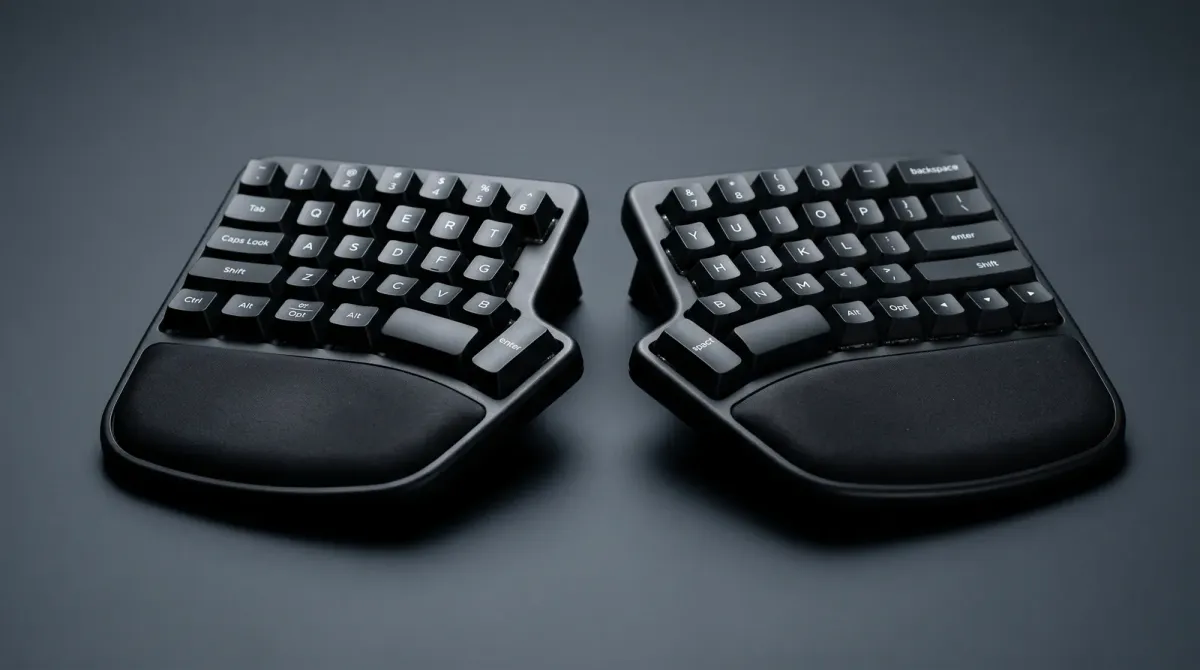
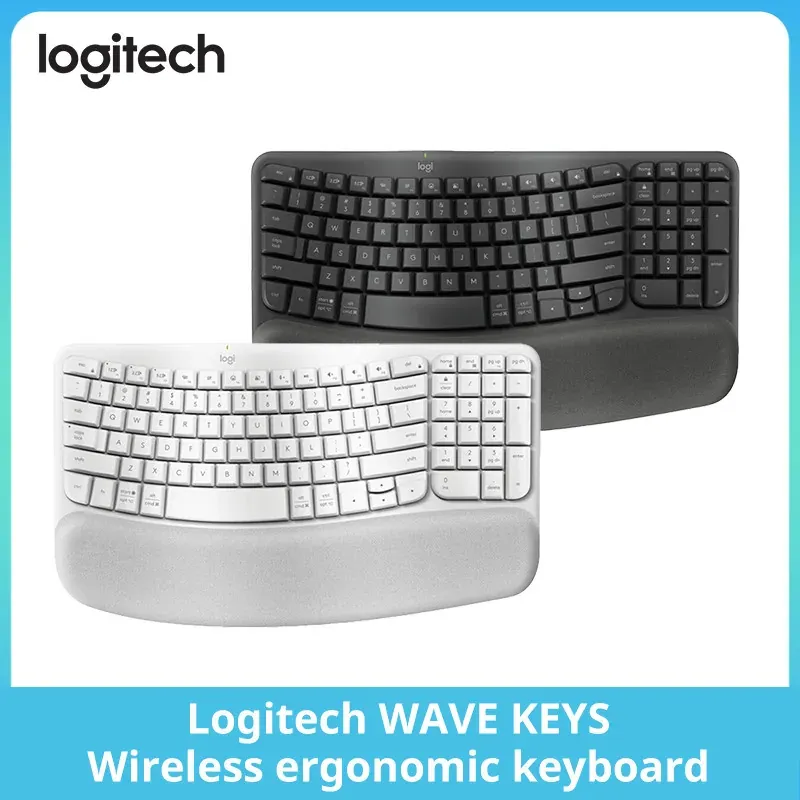
The Logitech Wave Keys uses a curved, wave-shaped keyframe with a cushioned palm rest for natural, feel-good typing throughout the day. The ERGO K860 goes further with an ergonomic keyframe that improves typing posture and a sloping design that reduces muscle strain on wrists and forearms. If you type for hours, prioritise a board with a palm rest and a layout that keeps your hands neutral. Split and curved layouts take a few days to relearn, so plan a short adjustment period.
Switch Feel and Customisation
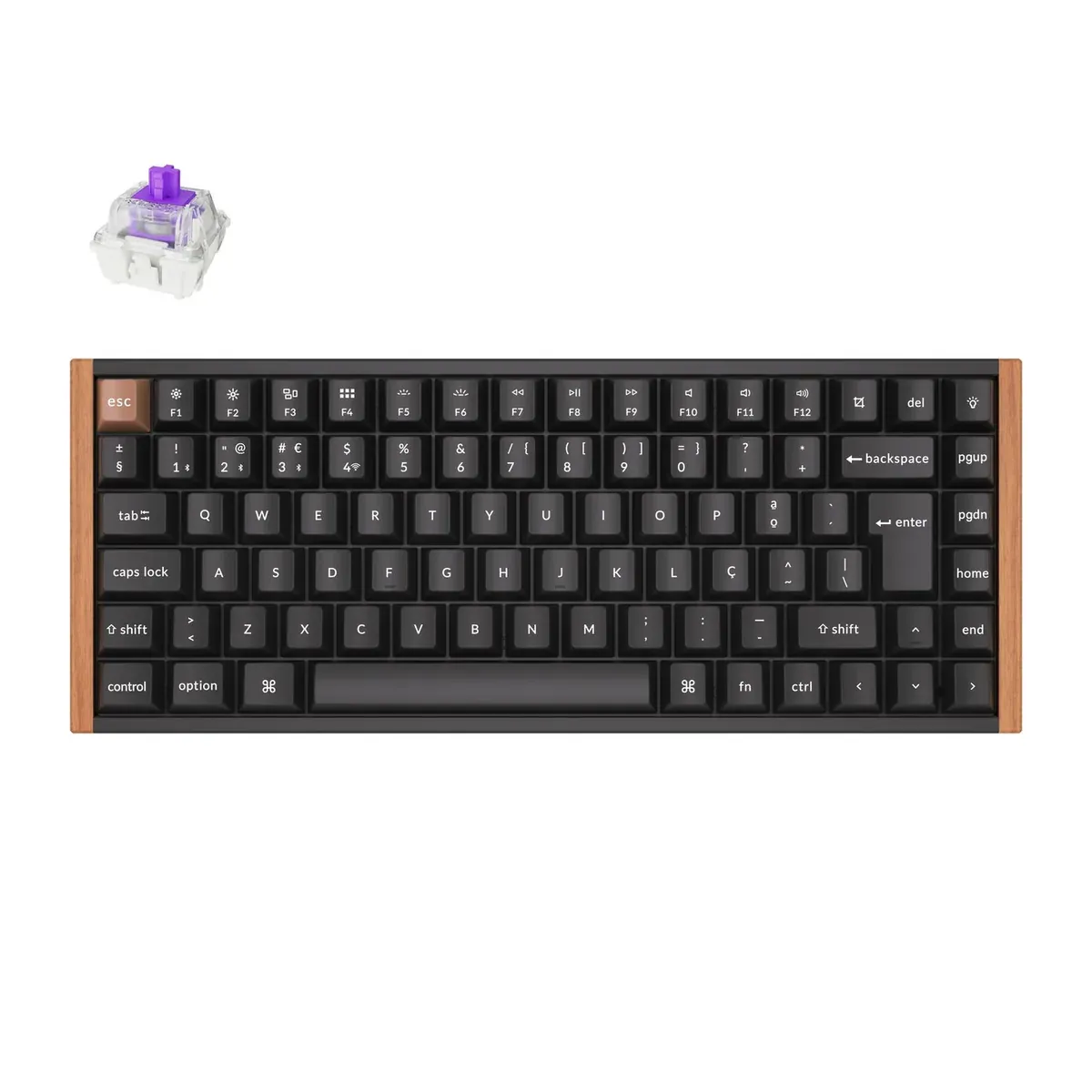
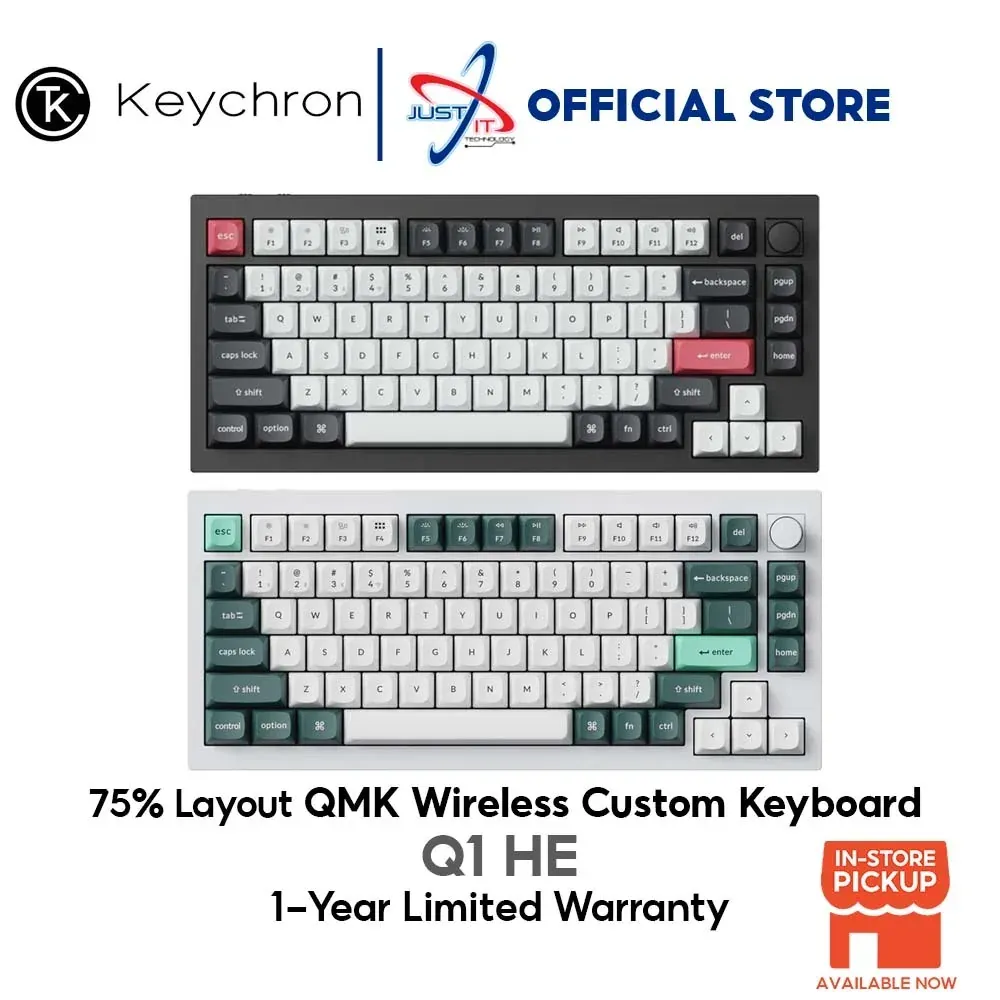
The Keychron K2 HE and Q1 HE use magnetic switches, which suit coders who want to tune actuation rather than accept a fixed feel. The Q1 HE adds QMK support, so you can remap keys and layers to fit your editor shortcuts. Logitech's Wave Keys and ERGO K860 focus on comfort and easy switching between devices instead of deep customisation. Decide whether you want a board you tune or a board you simply type on.
Connectivity and Multi-Device Use
All four picks are wireless, which keeps your desk clear and lets you move the board between a laptop and a desktop. The Wave Keys supports Easy-Switch for hopping between paired devices, and Logitech markets its ERGO line for business setups. Keychron's HE models target Mac and Windows users who want one board across both. Check that your preferred board pairs with every device you use daily before buying.
Where to Buy and What to Check
Buy Keychron models directly from keychron.net.my, where the K2 HE is listed at RM589.00 and the Q1 HE at RM899.00. Shop the Logitech Wave Keys and ERGO K860 at Harvey Norman, ALL IT Hypermarket, Shopee or Lazada, and confirm the current price on each listing since promos move. Dell Malaysia offers free shipping and a price match guarantee on ergonomic devices, which helps if you find a lower local price. Verify warranty coverage, local return terms and whether the seller is an authorised dealer before checkout. Prices for the Logitech Wave Keys and Logitech ERGO K860 are not fixed in our sources, so check current price at each retailer.
Logitech Wave Keys Wireless Ergonomic Keyboard
Curved, cushioned-palm ergonomic board for all-day typing
Pros
- Curved, split-key layout reduces typing strain
- Cushioned palm rest for comfort
- Easy-Switch between devices
Cons
- Not a true split/mechanical ergonomic board
Features
Wireless ergonomic keyboard with a wavy, split-key layout and an integrated cushioned palm rest; wireless with Easy-Switch for multiple devices.
Performance
Designed for natural, feel-good typing throughout the day, easing wrist and forearm strain versus a flat keyboard for long work sessions.
Keychron K2 HE Wireless Magnetic Switch Custom Keyboard
Wireless magnetic-switch custom board for enthusiasts
Pros
- Magnetic (Hall effect) switches
- Wireless custom keyboard
- Mac and Windows support
Cons
- Not an ergonomic split layout
Features
Wireless custom keyboard with magnetic switches, from Keychron's Mac/Windows-compatible lineup.
Performance
A custom mechanical-feel board aimed at enthusiasts wanting adjustable magnetic switches rather than ergonomic wrist relief.
Keychron Q1 HE QMK Wireless Custom Keyboard
Premium QMK wireless magnetic-switch custom keyboard
Pros
- QMK programmable firmware
- Wireless
- Magnetic switches
Cons
- Premium price
- Not an ergonomic split design
Features
Wireless QMK custom keyboard with magnetic switches from Keychron.
Performance
A high-end programmable board for users who want deep customisation; it does not offer split ergonomic geometry.
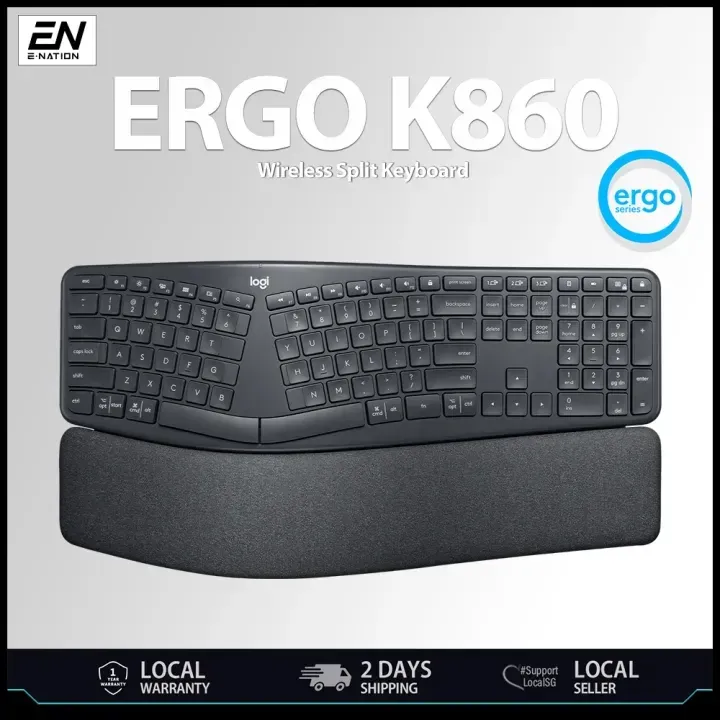
Logitech ERGO K860 Wireless Ergonomic Keyboard
Curved split keyboard with adjustable posture
Pros
- Curved split keyframe improves typing posture
- Adjustable tilt with cushioned wrist rest
- Bluetooth and USB connectivity, Mac and Windows
Cons
- Premium price for a membrane keyboard
- Requires batteries or charging
Features
Wireless ergonomic keyboard with a curved split keyframe, stain-resistant fabric wrist rest and adjustable tilt; connects via Bluetooth or USB and works with Windows and Mac.
Performance
The sloping design reduces muscle strain on wrists and forearms for long typing sessions, with a quiet, comfortable full-size layout and a shallow learning curve.
Sources
- keychron.net.my — Keychron K2 HE and Q1 HE pricing
- logitech.com — Wave Keys palm rest and typing claims
- gameshop.my — ERGO K860 posture and strain claims
- harveynorman.com.my — Wave keyboard split-key layout description
- dell.com — Dell free shipping and price match
- allithypermarket.com.my — Logitech Ergo retail availability
- shopee.com.my — Wave Keys Shopee listing
- lazada.com.my — Lazada ergonomic keyboard deals