


How to Protect Your Home Network from Cyber Threats &
A practical Malaysian guide to hardening your home Wi-Fi against cyber threats and phishing, covering router settings, guest networks, updates, and the DNS…
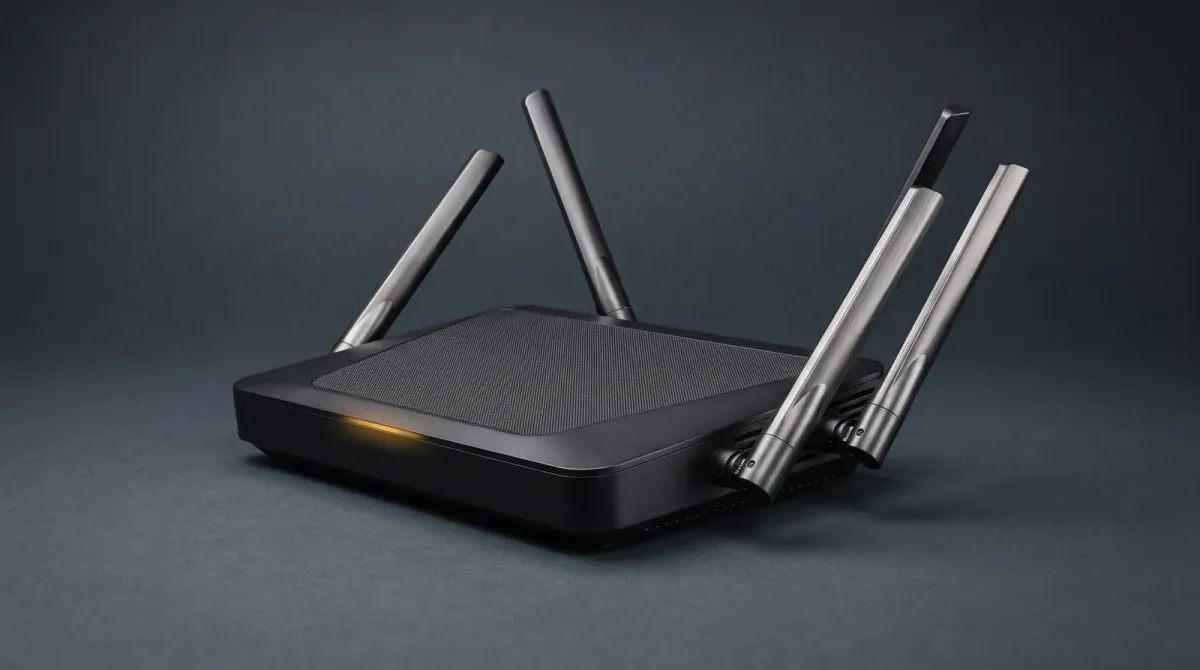
This guide gives Malaysian households a clear, step-by-step way to lock down the home network against cyber threats and phishing. A single weak router password can expose every connected device in the house.
What you need to know before you touch a setting
Your router is the front door to every phone, laptop and smart device at home. Source 1 from HP Malaysia puts it plainly: use strong, unique passwords for your Wi-Fi and devices, and enable WPA3 encryption to protect against unauthorised access. That one change blocks most casual intruders before they reach anything else.
Malaysian households also run a growing pile of IoT gear — cameras, TVs, plugs, vacuums. Each one is a potential entry point, and most ship with default logins that never get changed. Treat every new device as a security decision, not just a convenience purchase.
Phishing is the other half of the problem. It arrives by email, SMS and social media, and it works because it looks routine. The defence is the same as the network defence: verify before you click, and keep software current so known holes stay closed.
Step one: harden the router and Wi-Fi
Change the router's admin password first, then the Wi-Fi password. Use a long, unique passphrase for each, and set WPA3 (or WPA2 if your router is older) rather than leaving encryption open or on WEP. Source 1 lists exactly this sequence as the baseline for a connected Malaysian home.
Rename the network so it does not broadcast your house number or family name. Turn off WPS if your router offers it, and disable remote administration unless you genuinely need it. These are small switches with outsized effect.
Keep the router firmware updated. Source 3 notes that turning on automatic updates in every app that offers them, and installing manual ones when prompted, is how makers close the holes that attackers use. Do the same for the router itself.
Step two: split your network with a guest Wi-Fi
A guest network is the cheapest security upgrade you can make. Source 9 from HP recommends using guest networks to improve home network security, and Source 3 covers the same ground for Malaysian IoT setups. Put smart plugs, cameras and visitors on the guest SSID, and keep phones and laptops on the main one.
This separation limits the damage if a cheap smart device gets compromised. The attacker lands on the guest network and cannot reach your laptop or NAS. Most routers sold in Malaysia support this out of the box — check the admin panel under wireless settings.
Do not reuse the guest password across other accounts. Source 4 stresses strong, unique Wi-Fi passwords as the core protection against unauthorised access and misuse.
Step three: add DNS filtering with AdGuard Home, Cloudflare 1.1.1.1 or NextDNS
DNS filtering blocks known phishing and malware domains before the page loads, across every device on the network. Three options suit Malaysian homes, and all three are priced as "check current price" — no Malaysian retail figure is confirmed here.
AdGuard Home is free, open-source software you self-host on a spare PC, Raspberry Pi or NAS. It gives you a dashboard, per-device stats and blocklists you control. Cloudflare 1.1.1.1 is the simplest: point your router's DNS at it and you get fast resolution plus a free family variant that blocks malware and adult content. NextDNS sits between the two — a cloud service with per-profile filtering, parental controls and analytics, configured by pasting a DNS address into your router.
For most Malaysian households, Cloudflare 1.1.1.1 is the five-minute fix. Choose NextDNS if you want per-device profiles and logs without running hardware. Choose AdGuard Home if you want full local control and already have an always-on box.
Step four: updates, backups and device hygiene
Source 8 from HPE Malaysia lists maintained updates plus strong passwords and multifactor authentication as the core defences against cyber threats. Turn on automatic updates for phones, laptops and router firmware, and install them when prompted rather than deferring for weeks.
Back up critical data regularly. Source 6 from CyberSecurity Malaysia advises regular backups of all critical information to limit the impact of data or system loss and to speed recovery. A cheap external drive or cloud backup is enough for most homes.
Run antivirus on Windows and macOS machines and keep it updated, as Source 5 from CFM Malaysia recommends. On phones, install apps only from official stores and review permissions.
Pitfalls to avoid
Do not reuse one password across Wi-Fi, email and banking. Source 2's easy home tips lead with regularly updating devices and using strong passwords for exactly this reason. A single breach then cascades across every account.
Do not skip the guest network because setup feels fiddly. Source 9 treats guest networks as a top-7 security measure, not an optional extra. Skipping it leaves IoT devices on the same segment as your work laptop.
Do not click links in unexpected messages, even ones that look like they come from a bank, courier or government agency. Phishing relies on urgency. Verify through the official app or a phone number you look up yourself. And do not ignore router firmware for years — Source 3 is clear that updates are how makers close the holes.
Bottom line
Start with the router: unique admin and Wi-Fi passwords, WPA3, firmware updated. Add a guest network for IoT and visitors. Then layer DNS filtering — Cloudflare 1.1.1.1 for simplicity, NextDNS for per-device control, AdGuard Home for local ownership — and confirm pricing as "check current price" before you commit. Keep devices patched, back up critical data, and treat every unexpected link as hostile. That combination covers the realistic threats a Malaysian home faces without buying anything exotic.
Sources
- hp.com — WPA3, strong passwords, router hardening baseline
- clickbina.com — Guest Wi-Fi for IoT, automatic updates
- hp.com — Guest networks as top security measure
- hpe.com — Updates, strong passwords, MFA
- cybersecurity.my — Regular backups advice
- cfm.my — Antivirus and device hygiene
- facebook.com — Malaysian home cybersecurity tips
- facebook.com — Strong unique Wi-Fi passwords